Ledger.com/Start® — Getting™ Started | Ledger®
Use Ledger.com/start to review device initialization steps, verify your hardware wallet, and understand important recovery phrase protection guidelines.
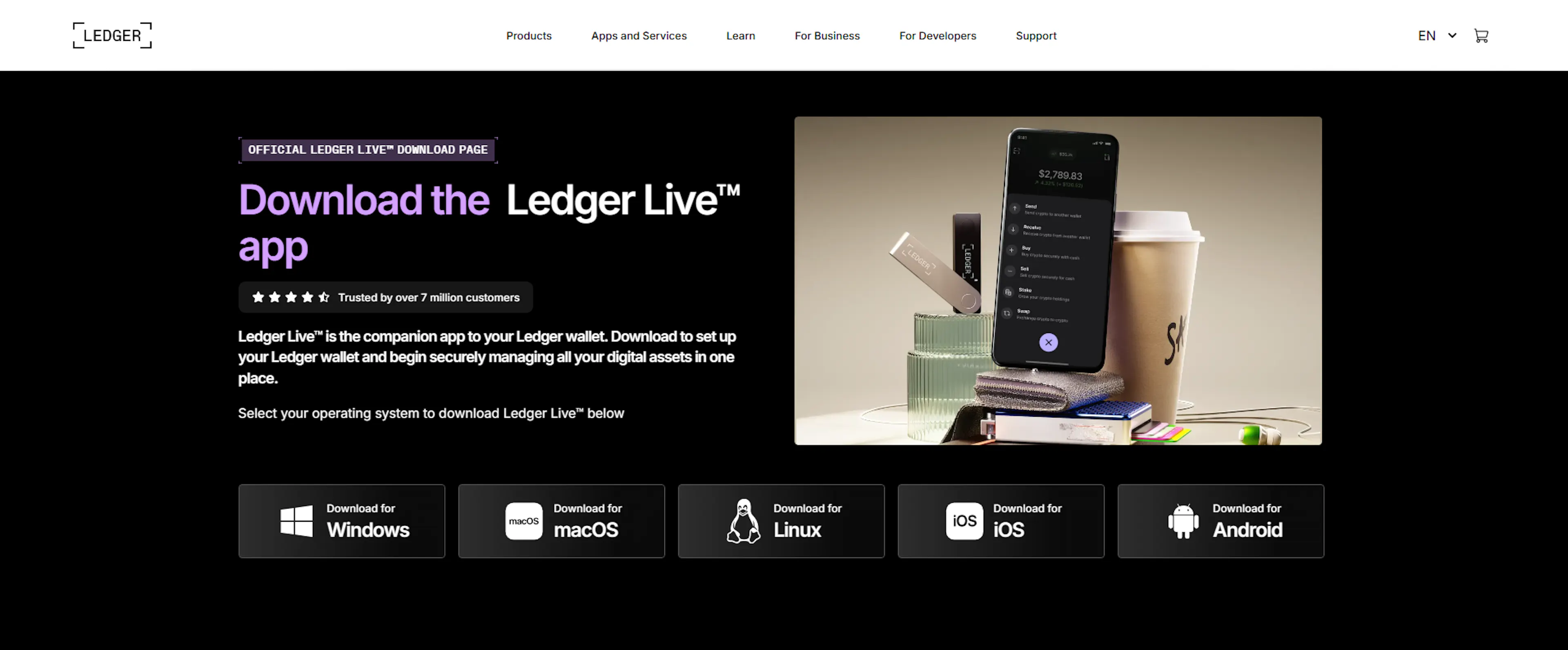
Ledger.com/start: Step-by-Step Guide to Hardware Wallet Setup and Digital Asset Security
Introduction to Ledger.com/start
Managing cryptocurrency securely begins with choosing the right storage solution and understanding how to configure it. Ledger.com/start is the official starting point for users who want to set up a Ledger hardware wallet and explore the tools available for managing supported digital assets.
The setup process introduces users to device configuration, Ledger Wallet, account management, and essential security practices. Whether you are purchasing your first hardware wallet or moving from an existing device, following the official instructions can help make the process easier to understand.
Understanding the Ledger Hardware Wallet
A Ledger hardware wallet is a physical device designed to protect cryptocurrency private keys. It provides a dedicated environment for approving transactions and managing access to supported blockchain accounts.
Unlike software-only wallets, a hardware wallet keeps private keys protected within the device. Users can connect it to compatible software to review account information and prepare transactions while confirming important actions through the physical wallet.
What Can You Find on Ledger.com/start?
Ledger.com/start provides access to official setup instructions and resources for compatible Ledger devices.
Users can find guidance related to:
- Initial hardware wallet configuration.
- Ledger Wallet installation.
- Device PIN creation.
- Firmware updates.
- Cryptocurrency account setup.
- Wallet recovery procedures.
- Security recommendations and troubleshooting.
Using the official setup page helps users avoid misleading instructions and unofficial software downloads.
How to Get Started With Ledger.com/start
Follow this general setup guide to prepare your Ledger hardware wallet.
Step 1: Open the Official Ledger Setup Page
Visit https://www.ledger.com/start in your browser. Make sure the address is spelled correctly before proceeding.
Choose your hardware wallet model and follow the instructions provided for that device.
Step 2: Download the Official Ledger Wallet Application
Ledger Wallet, previously known as Ledger Live, is the companion application for managing supported cryptocurrency accounts.
Download the appropriate version through Ledger's official resources. Avoid third-party download websites and unfamiliar installation links.
Step 3: Connect Your Ledger Hardware Wallet
Connect your device using a supported USB or wireless connection, depending on your model.
Follow the instructions on the hardware wallet screen. Make sure you understand each prompt before continuing.
Step 4: Create a Secure PIN
Configure your device PIN according to the instructions displayed on the hardware wallet.
Choose a code that is difficult to guess. Do not share your PIN with anyone.
Step 5: Initialize or Restore Your Wallet
If you are using a new device, follow the instructions to initialize it and generate a new Secret Recovery Phrase.
If you are restoring an existing wallet, use the official recovery procedure. Never use a recovery phrase provided by another person.
Step 6: Complete the Software Configuration
Follow the Ledger Wallet instructions to complete device verification, firmware updates, and installation of compatible blockchain applications where required.
Once configuration is complete, you can begin adding supported cryptocurrency accounts.
Managing Cryptocurrency With Ledger Wallet
Ledger Wallet provides an organized interface for accessing and managing supported digital assets. It helps users review their accounts and perform common cryptocurrency activities.
Portfolio Monitoring
Review supported cryptocurrency balances and monitor changes in your portfolio.
Account Organization
Add and manage compatible accounts for supported blockchain networks.
Receiving Digital Assets
Generate receiving addresses and verify them on your hardware wallet before sharing them with another person.
Sending Transactions
Prepare cryptocurrency transfers and carefully review the recipient address and amount before approving the transaction on your device.
Transaction History
Review previous activity to keep track of deposits, transfers, and other account operations.
Features and availability vary by device, software version, and cryptocurrency network.
Benefits of Following the Official Ledger Setup Process
Using the official setup instructions offers several practical benefits:
Authentic Software: Find official application downloads and avoid modified or fraudulent software.
Device-Specific Guidance: Follow instructions designed for your particular Ledger model.
Better Security Awareness: Learn how PIN protection, recovery backups, and transaction approvals work.
Organized Account Management: Access Ledger Wallet tools for supported cryptocurrency accounts.
Reliable Support Resources: Find official documentation when you need help with configuration or troubleshooting.
Important Security Practices Every Ledger User Should Follow
A hardware wallet is only one part of a secure cryptocurrency strategy. Protecting your recovery information is equally important.
- Keep your Secret Recovery Phrase private and offline.
- Never enter recovery words into unknown websites.
- Download software only from official Ledger resources.
- Verify recipient addresses on your hardware wallet screen.
- Keep your device firmware updated through official instructions.
- Avoid unexpected messages requesting wallet credentials.
- Store your recovery backup in a secure location.
Remember: Your Secret Recovery Phrase can provide access to your wallet. Anyone who obtains it may be able to control your cryptocurrency. Never disclose it to anyone, including someone claiming to be from customer support.
Common Ledger Setup Questions
Why is my Ledger device not connecting?
Check the cable, connection method, and device compatibility. Try another supported port or restart the application.
Is Ledger Wallet the same as Ledger Live?
Ledger Wallet is the newer name for the companion application formerly known as Ledger Live.
Can I manage multiple cryptocurrency accounts?
Yes. Ledger Wallet supports multiple accounts for compatible blockchain networks and digital assets.
Can I recover my wallet if my device is damaged?
You may be able to restore wallet access on a compatible device using your Secret Recovery Phrase and the official recovery instructions.
Where can I get official assistance?
Visit https://support.ledger.com/ for product documentation, setup assistance, and troubleshooting information.
Conclusion
Ledger.com/start is a useful resource for understanding how to configure a Ledger hardware wallet and begin managing supported digital assets. By following the official setup instructions, installing Ledger Wallet, and protecting your recovery information, you can establish good habits for cryptocurrency security.
Take time to verify each setup step, review transactions on your physical device, and use authentic Ledger resources whenever you need assistance.