Ledger.com/Start® — Getting™ Started | Ledger®
Discover Ledger.com/start for useful information about connecting your Ledger device, installing compatible applications, and organizing supported crypto accounts.
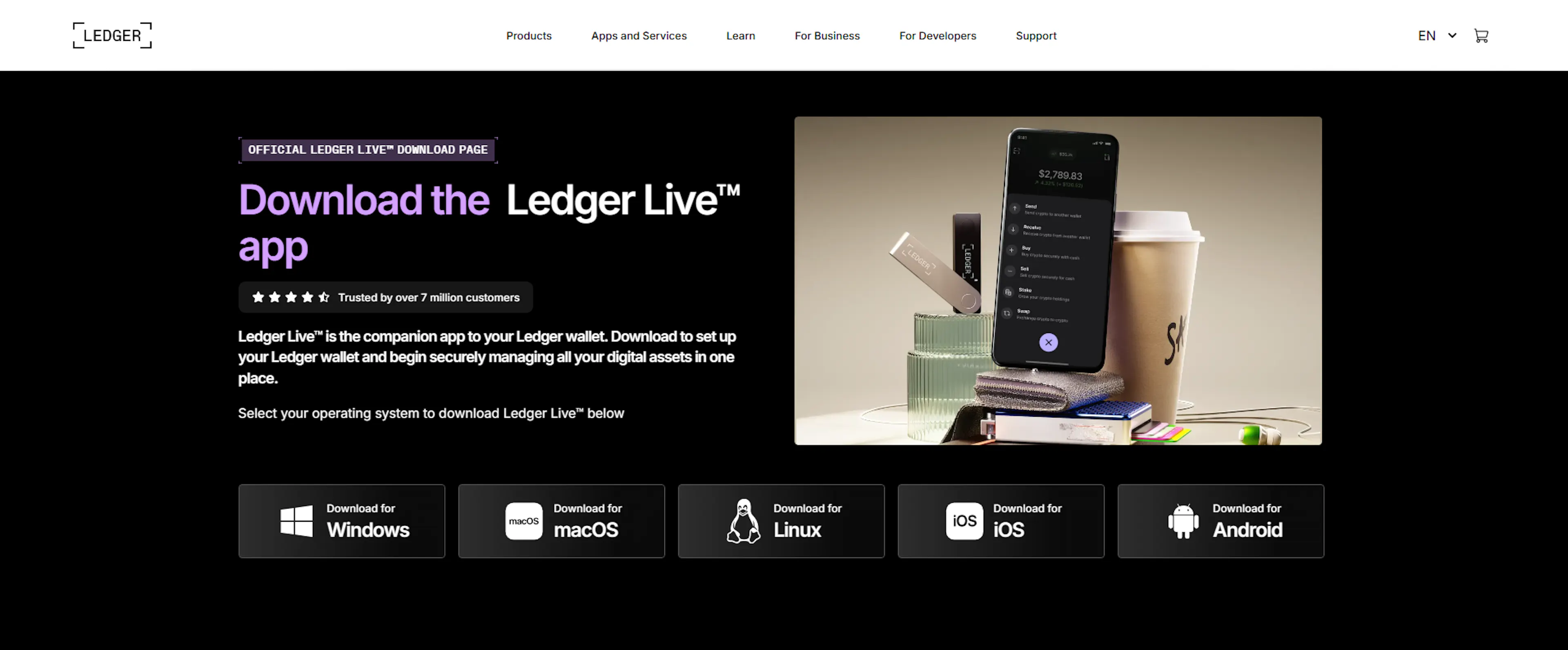
Ledger.com/start: A Detailed Guide to Hardware Wallet Setup
Introduction to Ledger.com/start
Ledger.com/start is the official setup destination for users who want to initialize and configure a compatible Ledger hardware wallet. It provides access to device-specific instructions and official software resources, helping users prepare their wallets for managing supported digital currencies.
A Ledger hardware wallet is designed to protect private keys inside a dedicated physical device. Instead of exposing sensitive signing information to an ordinary internet-connected computer, the device provides a protected environment for approving cryptocurrency transactions.
For new users, following the correct setup instructions is an important step toward building good digital asset security habits.
Understanding the Ledger Setup Process
Getting started with a Ledger device involves more than simply connecting it to a computer. Users need to configure the hardware, install the official wallet application, establish a secure PIN, and create a recovery backup.
The official Ledger.com/start page helps users identify the appropriate instructions for their particular hardware model. Using official resources also reduces the possibility of installing counterfeit software or following fraudulent setup instructions.
Step-by-Step Ledger Hardware Wallet Configuration
1. Open the Official Ledger Website
Visit https://www.ledger.com/start using your preferred browser. Check the website address carefully and follow the instructions provided for your device.
Avoid setup links from unexpected emails, social media messages, or unfamiliar websites.
2. Connect Your Ledger Hardware Wallet
Use the compatible connection method for your device. Connect the hardware wallet and follow the instructions displayed on its screen.
Make sure you use a reliable cable and follow the official device-specific guidance.
3. Download Ledger Wallet
Ledger Wallet, formerly called Ledger Live, is the official application for managing compatible Ledger hardware wallets.
Download the application directly from:
https://www.ledger.com/ledger-live
Choose the appropriate version for your operating system. Avoid unofficial software packages and websites advertising modified Ledger applications.
4. Initialize Your Hardware Device
Follow the instructions provided by the official setup process. Depending on your device, initialization may include creating a PIN and completing device security checks.
Your PIN should remain confidential. Do not share it with anyone or store it where unauthorized people can access it.
5. Generate and Protect Your Recovery Phrase
Your recovery phrase is an essential part of wallet security. During initial configuration, follow the instructions displayed by your Ledger device to create and record your recovery backup.
Write the words down accurately and store them securely offline. Never share your recovery phrase with anyone, including people claiming to be Ledger employees or technical support representatives.
Do not enter recovery words into websites, online forms, messaging applications, or computer software.
6. Open Ledger Wallet and Explore Your Accounts
After completing the device configuration, open Ledger Wallet and explore its available tools.
Depending on your hardware model and supported networks, you may be able to add accounts, review digital asset balances, check transaction records, and access supported sending and receiving functions.
Exploring Ledger Wallet Management Features
Ledger Wallet brings several cryptocurrency management tools into one application.
Portfolio Monitoring: Review supported cryptocurrency balances and monitor account activity.
Account Organization: Manage compatible blockchain accounts through a central interface.
Transaction Records: Review previous transfers and available transaction information.
Receiving Assets: Access receiving details for supported blockchain networks.
Transaction Approval: Prepare transfers in the application and verify the transaction details on your physical Ledger device before approving them.
The availability of individual features depends on your hardware model, software version, and supported cryptocurrency networks.
How to Keep Your Ledger Wallet Secure
Security should remain a priority after the initial installation. Follow these practical recommendations:
- Store your recovery phrase in a secure offline location.
- Never disclose your recovery phrase or device PIN.
- Download Ledger Wallet only from the official Ledger website.
- Check recipient addresses and transaction details on your hardware device.
- Avoid suspicious links and unsolicited wallet support messages.
- Follow official instructions for firmware updates.
- Keep your hardware wallet under your control.
A genuine support representative will never need your recovery phrase to assist you.
Frequently Asked Questions
Where should I begin setting up my Ledger device?
Start at https://www.ledger.com/start and follow the instructions for your hardware model.
What is Ledger Wallet?
Ledger Wallet is the current name of the application formerly known as Ledger Live. It provides tools for managing supported accounts with compatible Ledger devices.
Why is a recovery phrase important?
It serves as a backup that can help restore wallet access when a device is lost, damaged, or replaced.
Is it safe to share my recovery phrase?
No. Keep your recovery phrase private and offline. Anyone who obtains it may be able to access your wallet.
Conclusion
Ledger.com/start provides a trusted starting point for configuring a compatible Ledger hardware wallet. By following the official setup instructions, installing genuine Ledger Wallet software, and protecting your recovery phrase, you can prepare your device for managing supported digital assets.
For official installation resources and the latest setup guidance, visit https://www.ledger.com/start.
This article is an independent educational resource and is not affiliated with or endorsed by Ledger.